Hair Lab
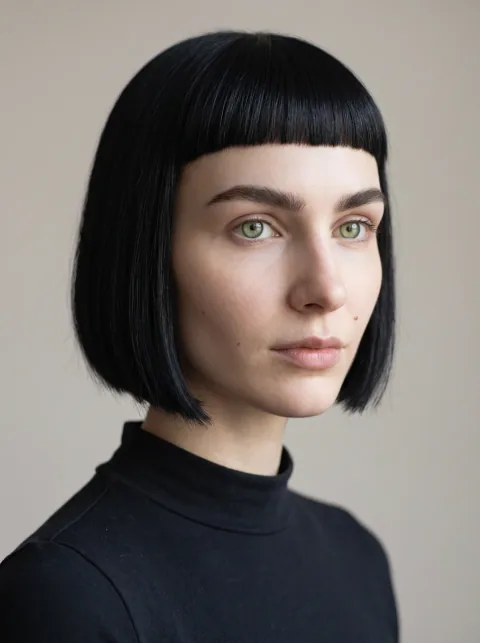
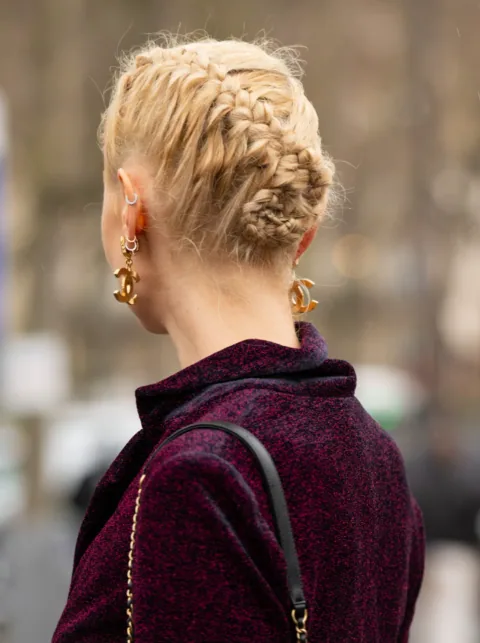
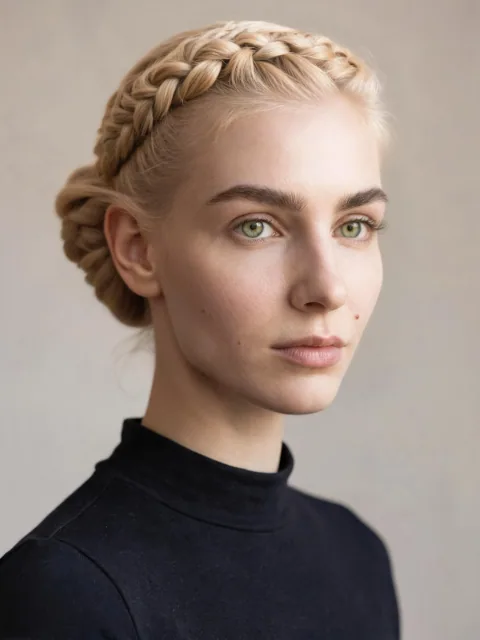
Found a hairstyle you like? Add it alongside your photo to see how it might look on you.
 RE:OTHER
AI PHOTO PACKS
Ever wondered how you’d look in an anime, a racing suit or a whole different decade? Choose a photo and a pack. We’ve written the prompts.
YOUR PHOTO. YOUR PICK.
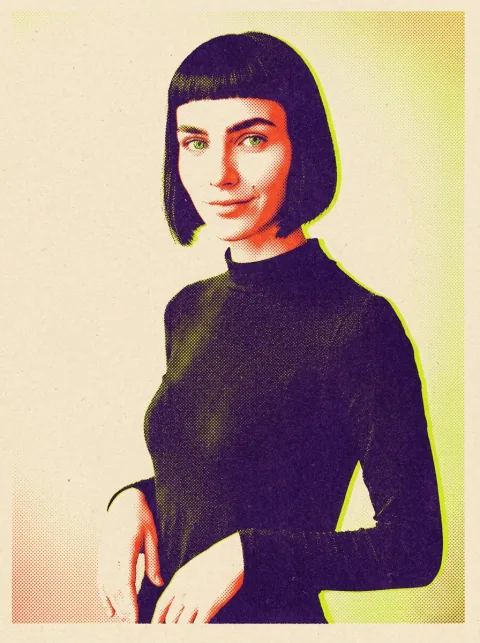
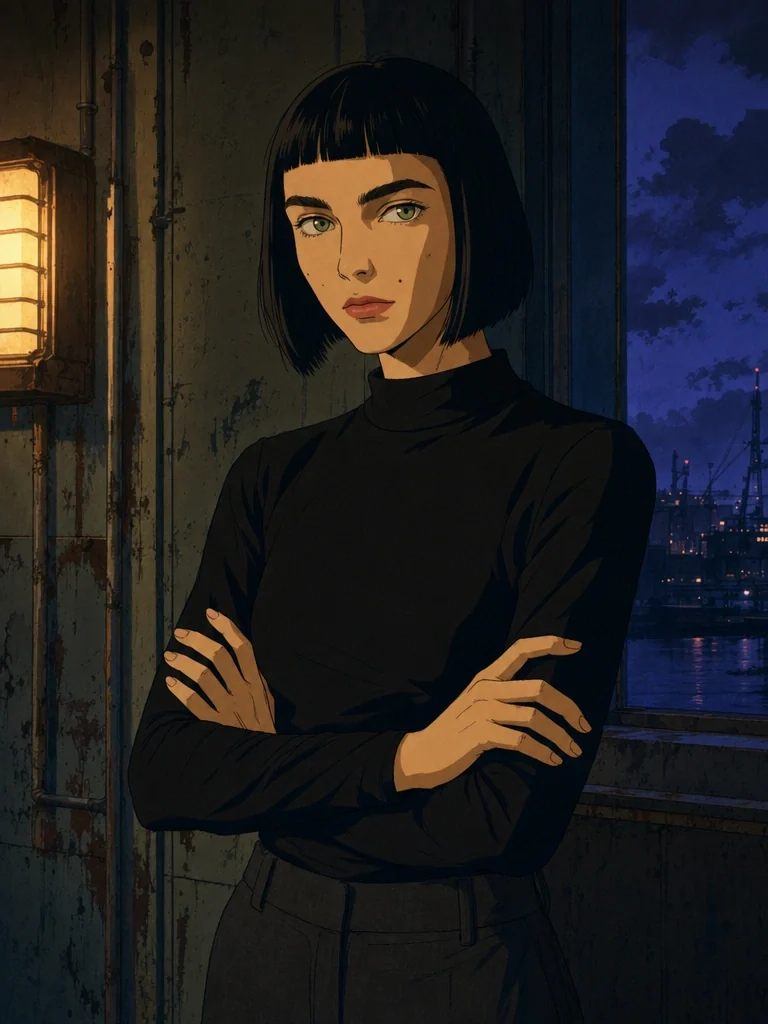
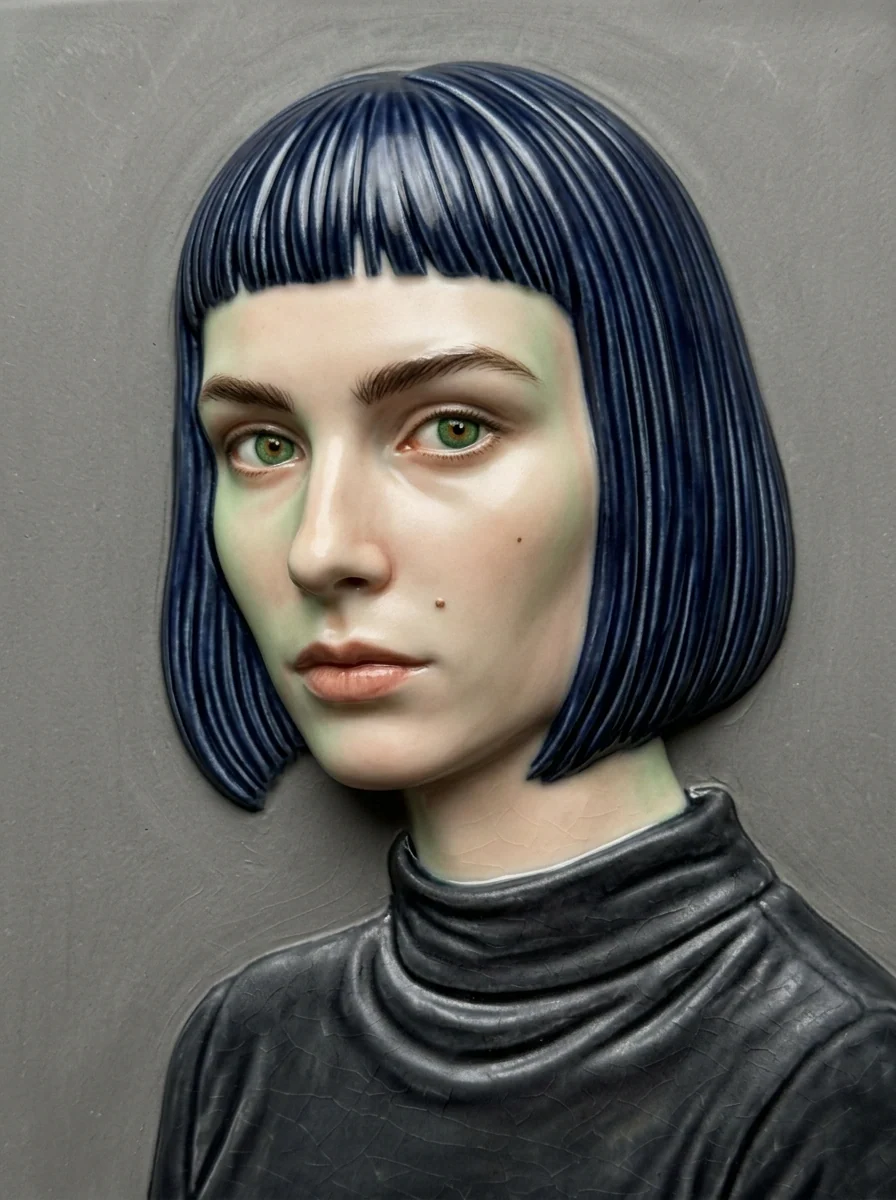
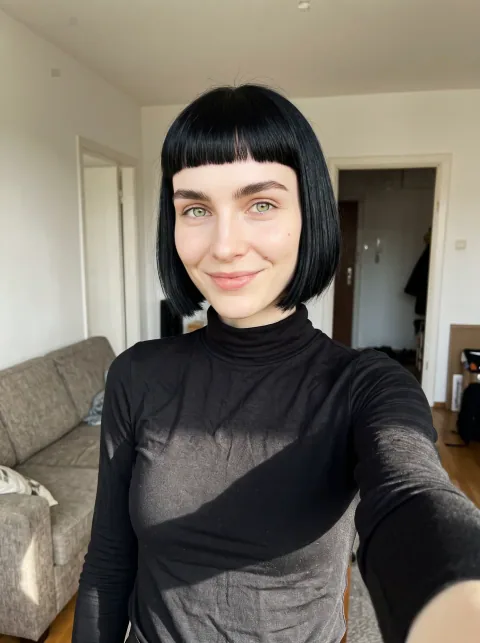
THE LOOKS
EXAMPLES FROM THE APP
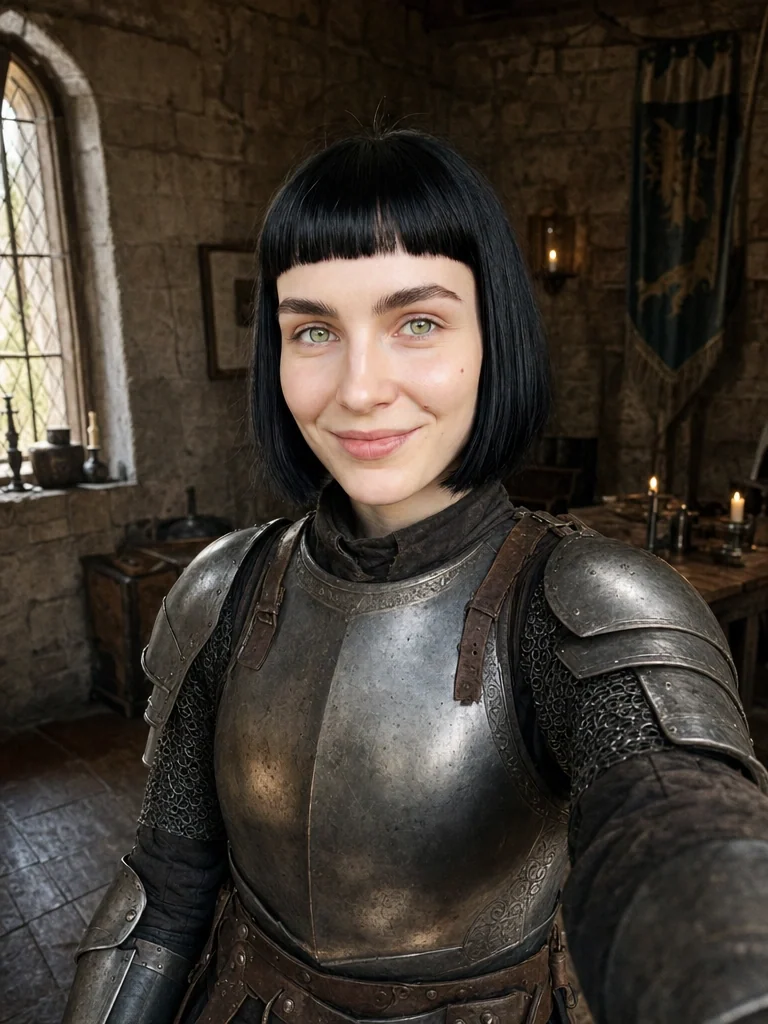
Go hand-drawn, try clay, or see yourself in medieval armour. These are some of the looks you can make from your photos.
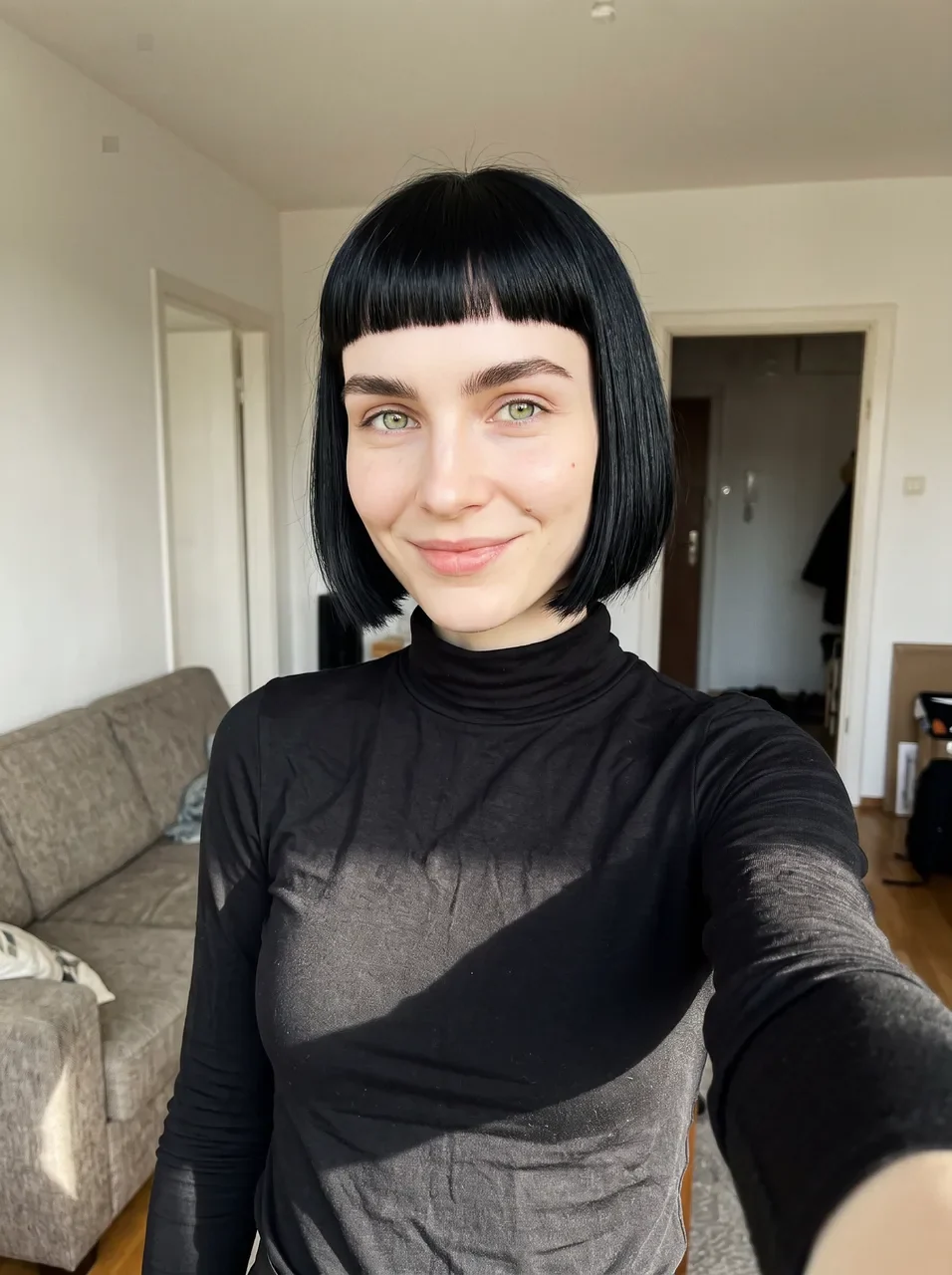
Choose a look, then slide to compare it with the original.
SCENE PACKS
A race weekend, a skate session, a road through the apocalypse. Each pack has several scenes to choose from.
Use the arrow keys to change images, or Space to pause and resume.
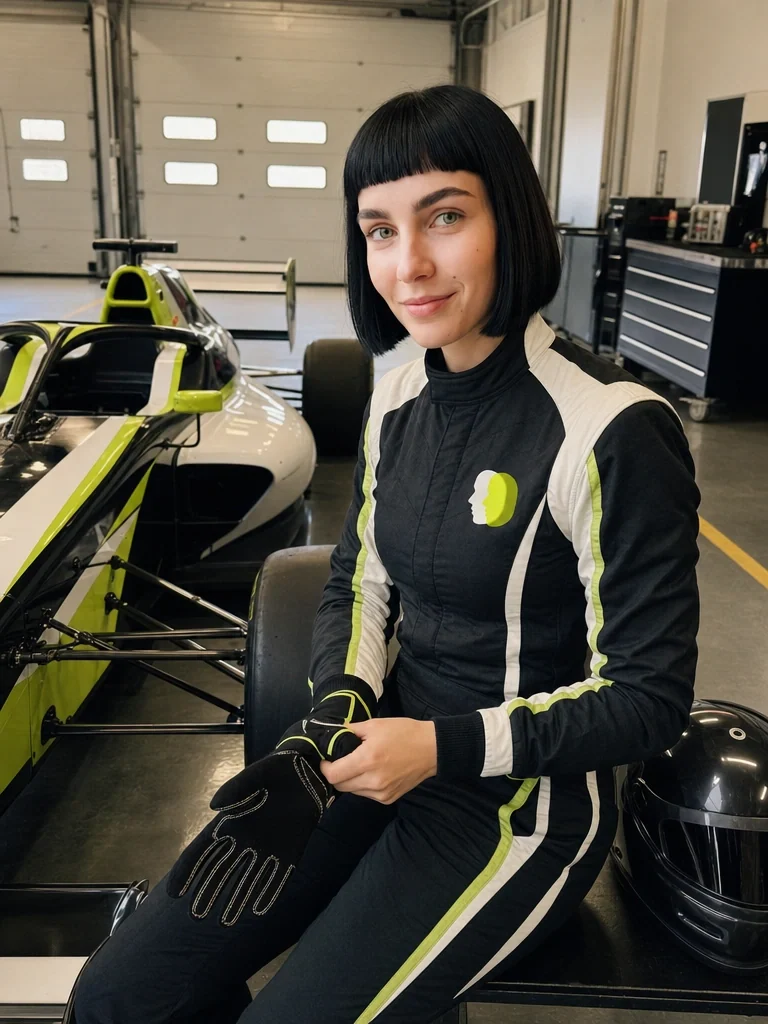
From the garage to the podium.
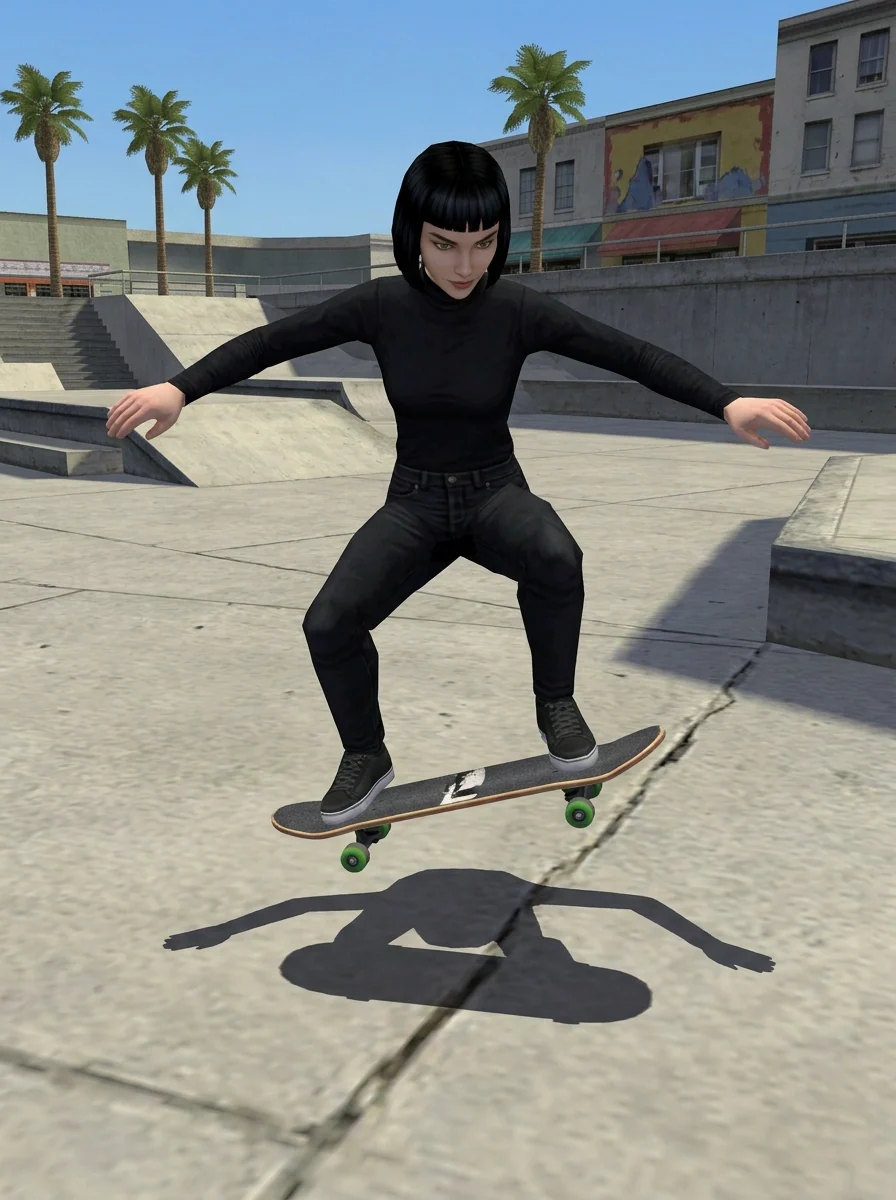
A little airtime in a retro skate game.
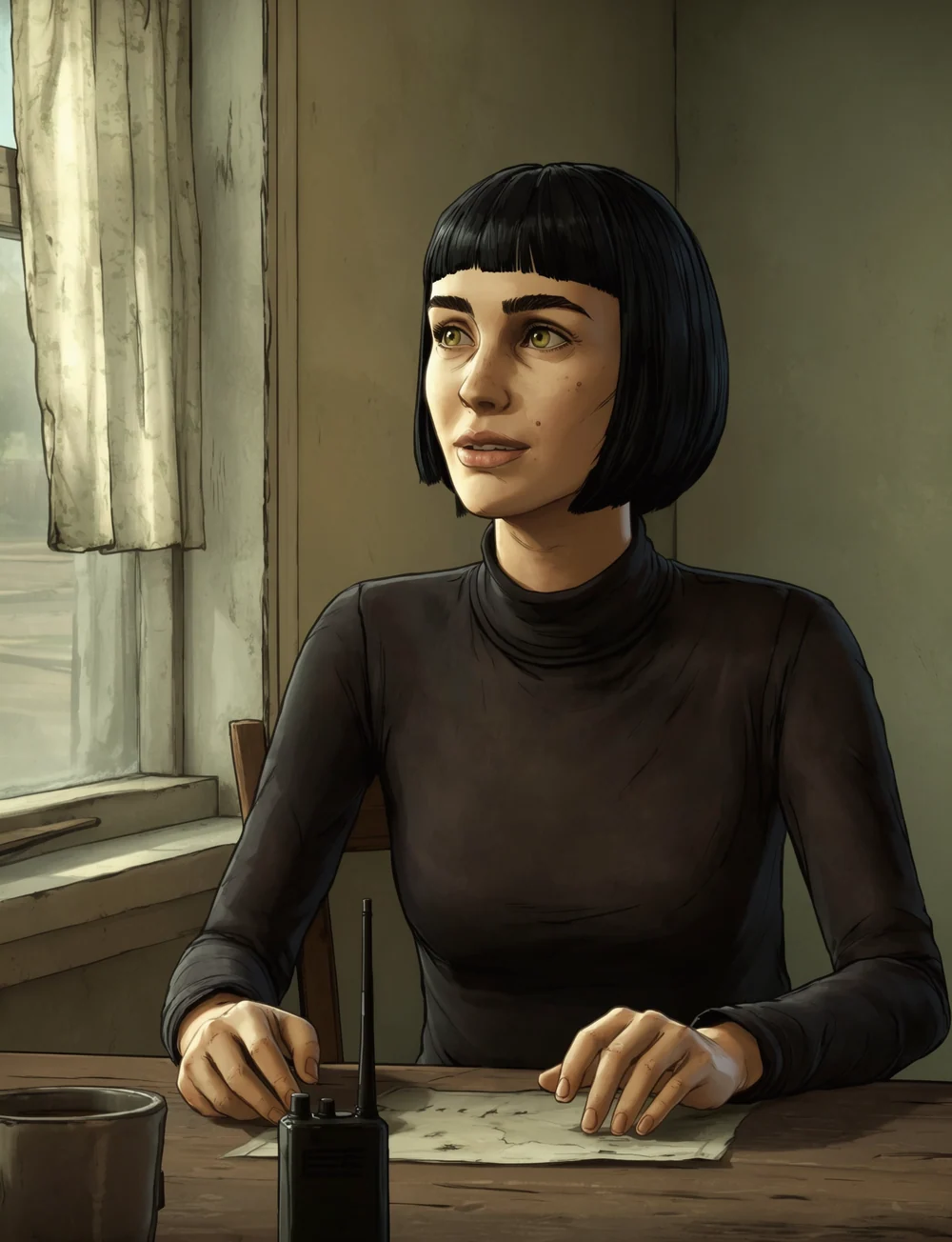
Your turn to survive the apocalypse.
All examples were made with AI in RE:OTHER’s pack styles.
HAIR LAB & TWO PEOPLE
Found a hairstyle you like? Add it alongside your photo to see how it might look on you.
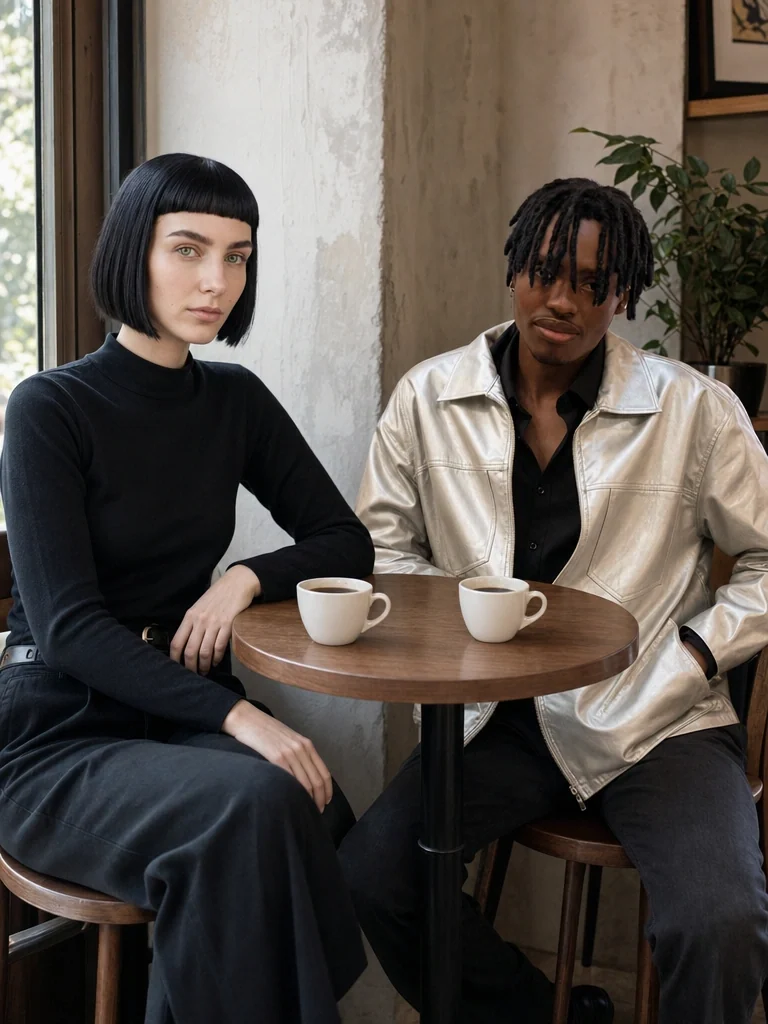
Add a photo of yourself and someone you know, with their permission. Make a café portrait, a night-out shot or a photo-booth strip together.
HOW IT WORKS
Start with a clear photo. Some packs use a second photo or a reference too.
Choose a ready-made pack and the looks or scenes you want to create.
Your images appear in the app when they’re ready to save or share.
GOOD TO KNOW
You’ll find RE:OTHER for Android on Google Play. Pick a photo, choose a pack and see where it takes you.
No. Choose a photo and a pack, then pick the looks or scenes you want.
Gems are credits used to create images in the app. You see the gem cost before you start. If a generation fails, its gems are returned automatically.
Your account photos and results are private by default. They are processed by our hosting and AI providers to create your images. We don’t put your results on this website or sell your photos. Read the privacy notice for storage, sharing and deletion details.
Packs are designed to keep you recognisable while changing the style or scene. AI can still change details or get things wrong. Your result will depend on your photo and the pack you choose.
RE:OTHER is for people aged 13 and over. If you are still a minor where you live, you need a parent or legal guardian’s permission. Use photos you have the right to use, and get permission from other people in them.
RE:OTHER FOR ANDROID
Get in touchAnother life, a new look, a world to explore.
It all starts with your photo.